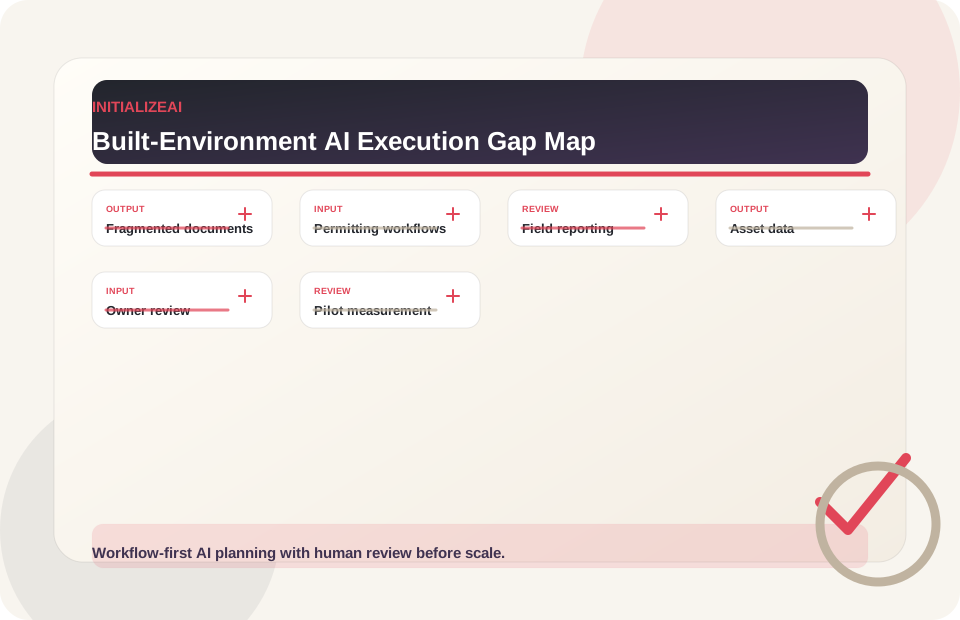
Project documents are fragmented
Drawings, specs, RFIs, submittals, contracts, meeting notes, field reports, schedules, permits, change orders, and closeout documents often live across multiple systems.
AI for Real Estate, Construction & Infrastructure
InitializeAI helps real estate, construction, and infrastructure teams evaluate AI opportunities, assess data readiness, automate project documentation, support permitting and field reporting workflows, organize asset data, design measurable pilots, and implement practical AI with human review built in.
Built-environment AI Execution Gap
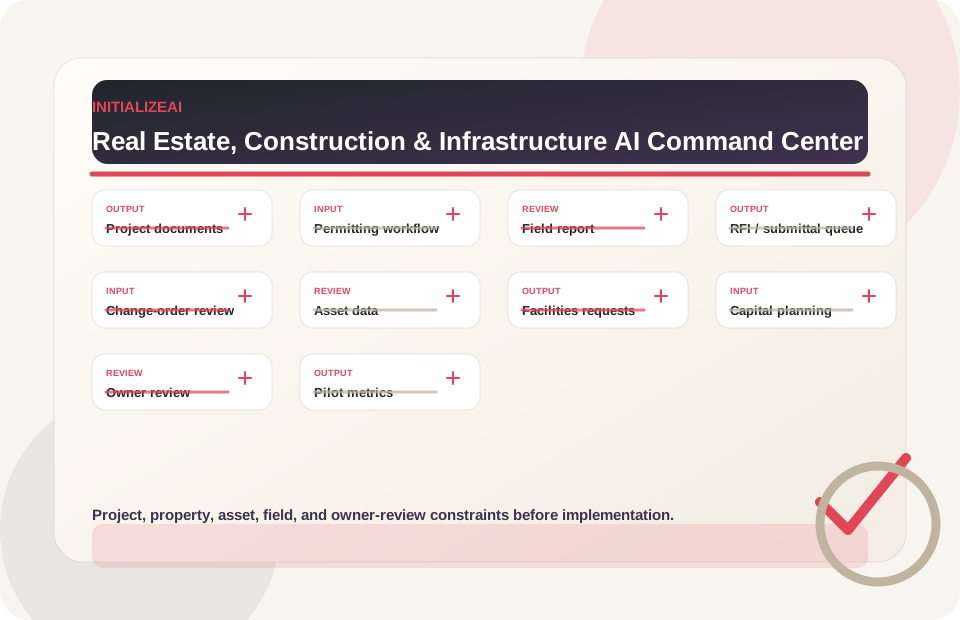
Real estate, construction, and infrastructure teams have many promising AI opportunities: project documentation, permitting support, RFI and submittal workflows, field reporting, change-order review, closeout documentation, asset data readiness, capital planning, tenant and service request workflows, and operations visibility. AI creates value only when the use case is clear, project data is organized, owners review outputs, field teams can use the workflow, and pilots are measured.
Drawings, specs, RFIs, submittals, contracts, meeting notes, field reports, schedules, permits, change orders, and closeout documents often live across multiple systems.
Permits, applications, zoning notes, jurisdictional requirements, comments, revisions, and review evidence can create repetitive coordination work.
Photos, notes, punch items, inspection details, safety observations, and progress updates may be inconsistent or difficult to review.
Owners and operators need reliable asset, facility, lease, maintenance, capital, and operations data before AI can support decisions.
Project managers, owners' reps, facilities leaders, supervisors, and consultants need reviewable summaries, exceptions, and decision records.
Built-environment AI pilots should define review time, document completeness, routing quality, adoption, risk controls, and scale/refine/stop criteria before launch.
Real estate, construction, and infrastructure opportunity areas
InitializeAI focuses on bounded, measurable use cases that can be evaluated, governed, piloted, and adopted inside real project, property, field, asset, and operations workflows.
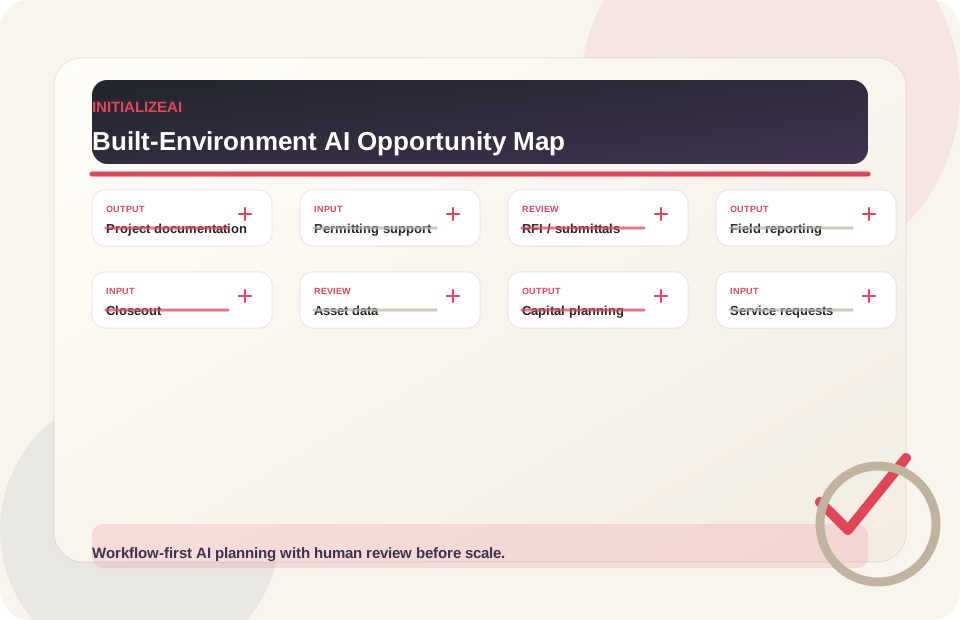
Support summarization, classification, comparison, routing, and review of project documents such as meeting notes, specs, RFIs, submittals, change orders, schedules, and closeout materials.
Possible first pilot: One document type or project workflow with source references and project manager review.
Governance considerations: Source traceability, reviewer approval, contractual sensitivity, version control, and auditability.
Related: Custom AI ImplementationAssist with organizing permitting requirements, comments, revisions, supporting documents, jurisdictional notes, and approval workflows.
Possible first pilot: One permit or approval workflow with human review and source-grounded requirements tracking.
Governance considerations: Jurisdictional accuracy, legal/professional review, source updates, reviewer authority, and compliance boundaries.
Related: Workflow AutomationClassify, summarize, route, and track RFIs, submittals, change-order requests, and related project communications.
Possible first pilot: One RFI or submittal workflow with role-based review and response tracking.
Governance considerations: Contractual impact, approval authority, source references, version control, and escalation.
Related: Workflow AutomationSupport structured capture and review of field notes, photos, inspection records, punch items, safety observations, progress updates, and exceptions.
Possible first pilot: One field reporting workflow with proof fields, supervisor review, and documentation quality metrics.
Governance considerations: Safety, privacy, location data, evidence quality, false positives, and review authority.
Related: AI Pilot ProjectsHelp organize closeout packages, warranties, as-builts, manuals, punch lists, asset records, and owner handover materials.
Possible first pilot: One closeout workflow with document inventory, gap detection, and owner review.
Governance considerations: Source completeness, versioning, contractual requirements, reviewer approval, and retention expectations.
Related: Custom AI ImplementationSupport asset inventory, facility records, maintenance context, service requests, inspection records, and operating documentation.
Possible first pilot: One asset class, building system, or facilities request workflow with human review.
Governance considerations: Data quality, permissions, location and tenant data, asset IDs, maintenance authority, and escalation.
Related: Field Services & FacilitiesSupport summaries and dashboards for capital projects, backlog, asset condition, budget planning, risk signals, and portfolio reporting.
Possible first pilot: One portfolio or capital planning dashboard tied to a specific management review.
Governance considerations: Data quality, assumptions, decision authority, financial impact, and review cadence.
Related: AI ReadinessClassify, route, summarize, and support tenant, occupant, resident, customer, or facility service requests with human-reviewed communications.
Possible first pilot: One request category or property/facility workflow with approved response rules.
Governance considerations: Tenant or customer data, accessibility, escalation, message accuracy, service expectations, and human approval.
Related: Advisory & TrainingUse-case matrix
Start with the workflow, then decide whether the right next step is readiness, governance, pilot design, automation, or custom implementation.
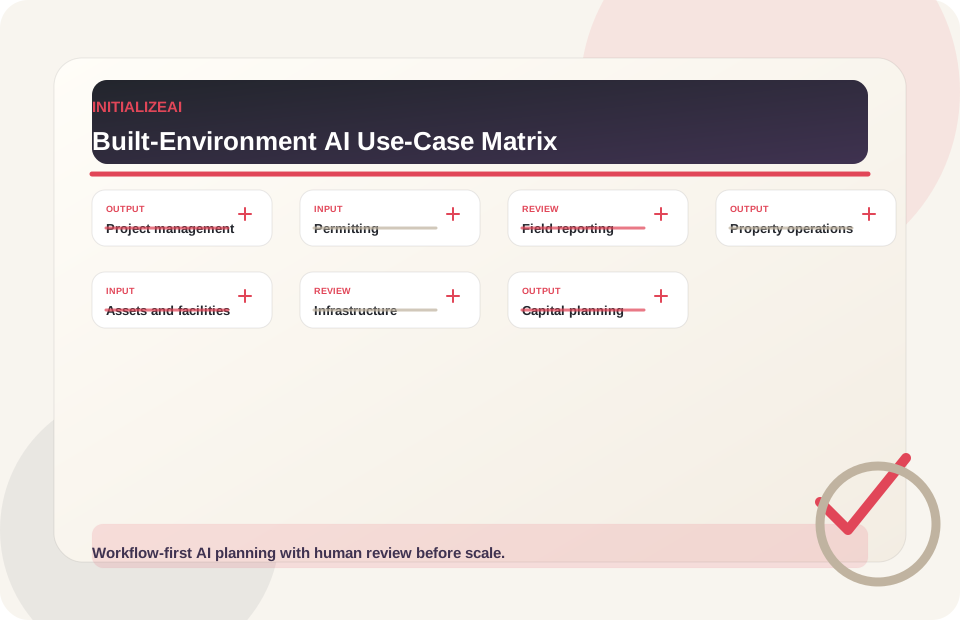
| Function | Use cases | Good first step |
|---|---|---|
| Construction project management | RFI summarization and routing, submittal workflow support, change-order documentation, meeting and decision summaries, schedule or risk note summaries, project status reporting. | Project Documentation Workflow Pilot |
| Permitting and approvals | Permit requirement organization, comment/revision tracking, supporting document checklists, jurisdictional note summaries, approval workflow dashboards, owner/consultant review packets. | Permitting Workflow Assessment |
| Field reporting and inspections | Daily report summaries, photo evidence organization, punch-list documentation, safety observation summaries, inspection checklist support, progress report assembly. | Field Reporting Pilot |
| Real estate and property operations | Tenant/request triage, lease/document summarization, facilities request routing, vendor documentation, property operations dashboards, occupant communication drafts. | Workflow Automation Workshop |
| Asset and facilities management | Asset data readiness, maintenance history assistants, warranty and manual lookup, facilities inspection workflows, work-order triage, capital asset dashboards. | Asset Data Readiness Review |
| Infrastructure and public works | Inspection documentation, public works request triage, asset condition summaries, capital project reporting, permit/work-order workflows, grant/program reporting support. | Public-Sector Infrastructure Workshop |
| Owner, investor, and capital planning | Portfolio summary dashboards, capital project reporting, budget/risk note summaries, due diligence document support, asset condition review, decision brief assembly. | AI Readiness + Dashboard Pilot |
Construction workflow AI
Construction, real estate, and infrastructure teams often have workflow bottlenecks across RFI review, document search, permitting, inspection notes, project controls, owner review, schedule risk, compliance documentation, and handoffs between field and office teams.
AI can help when the use case is bounded, the workflow owner is clear, and the team has a measurable baseline before rollout. The highest-value pilots usually focus on reducing manual review time, improving document retrieval, standardizing field-to-office handoffs, flagging exceptions earlier, or improving visibility into recurring project delays.
Before scaling AI across construction or infrastructure workflows, teams should define the current process, required data, governance review, human oversight points, and the metric that will prove whether the pilot worked.
Use the AI Use Case Prioritization Matrix to rank RFI, inspection, permitting, and review workflows.
Use AI governance before AI touches safety, legal, contractual, tenant, or public-sector decisions.
Start the AI Execution Gap Assessment when owners, data, workflows, or adoption paths are unclear.
Use the AI Pilot Charter Template to define scope, metrics, controls, and scale criteria.
Explore case studies for workflow-first AI examples without treating any example as an identical outcome.
Estimate review time, rework, routing, field reporting, and closeout value with the AI ROI Calculator.
How InitializeAI helps
Evaluate AI-enabled project documentation workflows that support summaries, routing, comparison, evidence organization, and review without replacing professional judgment.
Scope permitting and approval support workflows that organize requirements, comments, revisions, supporting documents, and review paths.
Design workflows that organize photos, notes, inspection records, punch items, safety observations, and progress updates into review-ready reports.
Evaluate AI support for asset data readiness, facilities workflows, maintenance context, portfolio visibility, and capital planning.
Project documentation model
Construction, real estate, and infrastructure teams already produce large volumes of documents. AI can help when the workflow is bounded, source-grounded, and human-reviewed.
Discuss Document Intelligence Pilot
Identify the documents involved: drawings, specs, contracts, RFIs, submittals, meeting notes, permits, field reports, schedules, change orders, and closeout materials.
Define who uses the output: project manager, owner's rep, consultant, field supervisor, facilities manager, asset manager, or executive team.
Clarify who approves summaries, classifications, routes, responses, or document packets.
Require references to source materials, versions, dates, and document context.
Flag documents that affect contract terms, compliance, safety, permitting, payment, or legal obligations for additional review.
Track review time, completeness, source accuracy, routing quality, rework signals, adoption, and scale readiness.
Data and systems readiness
Real estate, construction, and infrastructure AI value depends on understanding document sources, asset records, project systems, field data, permissions, and workflow dependencies before building.
Explore AI Readiness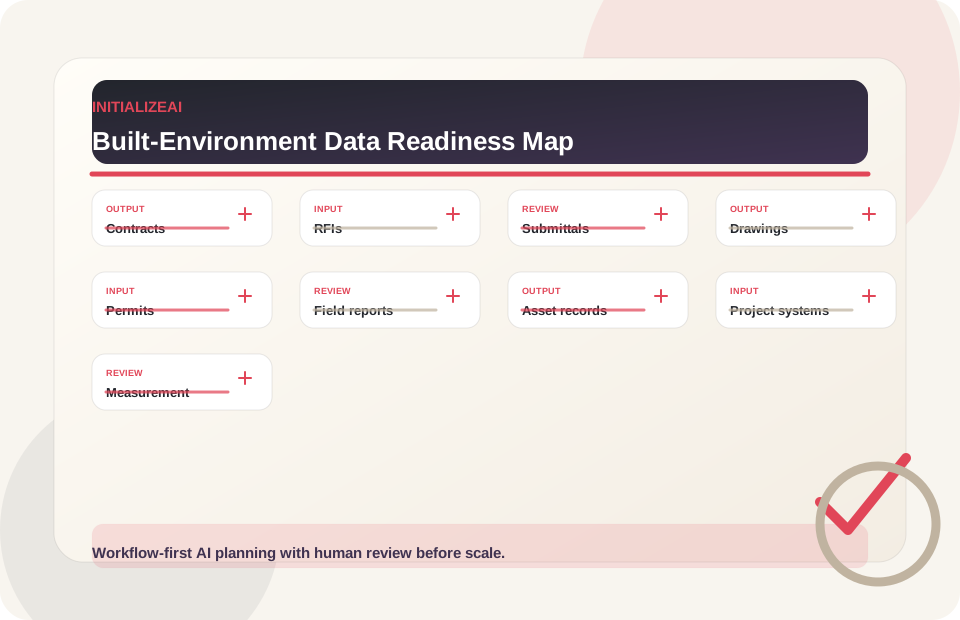
Which documents are involved: contracts, RFIs, submittals, drawings, specs, permits, schedules, change orders, field reports, punch lists, manuals, leases, warranties, and closeout packages?
Are photos, notes, timestamps, daily reports, inspections, issues, punch items, and site observations captured consistently enough?
Are asset IDs, locations, systems, warranty data, lease records, maintenance history, and capital planning data usable?
Which systems are involved: project management, document management, BIM, GIS, CMMS, property management, ERP, CRM, ticketing, or spreadsheets?
Who reviews outputs: project manager, owner's rep, architect, engineer, contractor, inspector, facilities manager, legal/compliance reviewer, or executive team?
What will be measured: review time, documentation completeness, routing accuracy, field report quality, closeout readiness, rework signals, adoption, or scale readiness?
Field reporting and proof workflow
AI can support field reporting when photos, notes, progress updates, inspections, exceptions, punch items, and safety observations are structured for review.
Explore Workflow Automation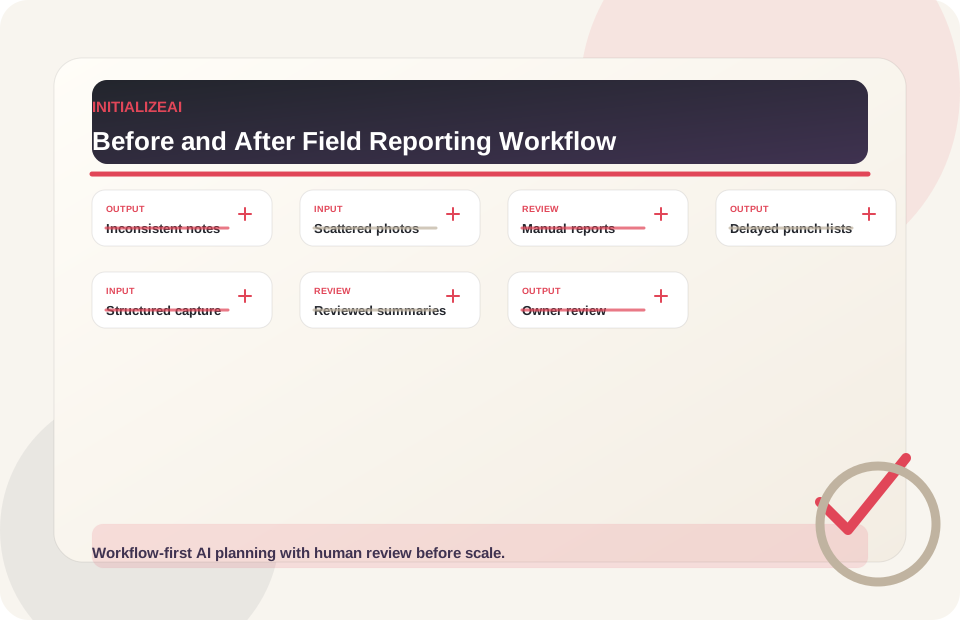
Inconsistent field notes, photos scattered across devices, manual daily reports, delayed punch-list updates, missing inspection context, owner review bottlenecks, and closeout documentation gaps.
Structured field capture, photo and note organization, human-reviewed summaries, punch-list documentation support, inspection evidence packets, owner/supervisor review, and pilot metrics.
Permitting and approvals
AI can support permitting and approval workflows by organizing documents, requirements, comments, revisions, and review packets. Final permitting, code, legal, or professional determinations should remain with qualified reviewers and authorities.
Discuss Permitting Workflow Support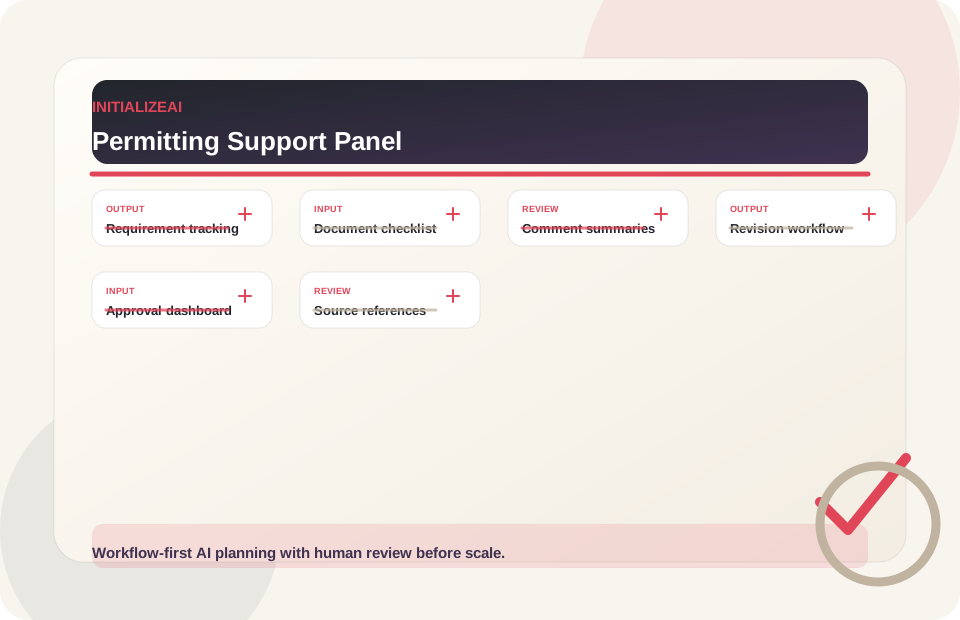
Organize requirements and supporting materials for reviewer visibility.
Track documents, versions, gaps, responsible owners, and review notes.
Summarize comments and route revisions with source references and human review.
Support tasking, response tracking, and review packet assembly.
Prepare reviewable materials for project stakeholders without implying approval authority.
Show status, blockers, owners, and dates for human-managed workflows.
Plan procurement-aware support for public works, infrastructure, and municipal processes.
Keep source references, assumptions, reviewer notes, and decision records visible.
Asset, facilities, and capital planning
Owners, developers, operators, and public-sector teams need better visibility into asset records, facilities requests, maintenance history, warranties, capital needs, and portfolio risk.
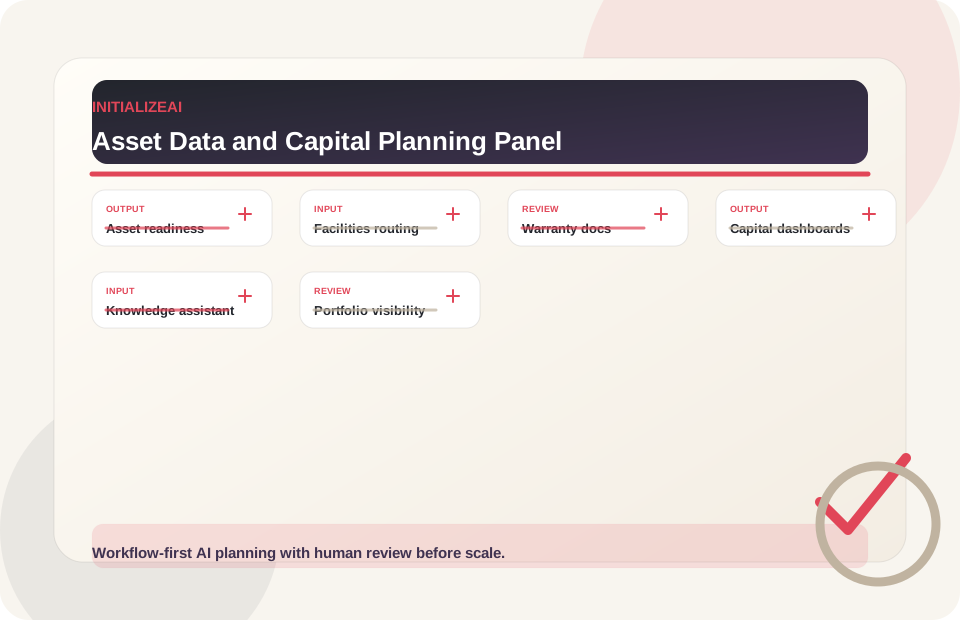
Inventory asset records, locations, systems, warranty data, maintenance history, condition notes, and data gaps.
Classify, summarize, and route service requests, maintenance issues, tenant/occupant needs, and vendor work.
Organize manuals, warranties, as-builts, punch items, O&M documents, and handover materials.
Support decision-makers with summaries of asset condition, project backlog, risk signals, budget inputs, and planning assumptions.
Help staff retrieve procedures, manuals, prior work, warranty context, and asset-specific guidance.
Surface cross-property, cross-asset, or cross-project trends for management review.
Pilot design
Strong first pilots focus on one workflow, one document/data path, one review owner, and one measurement model before scaling.
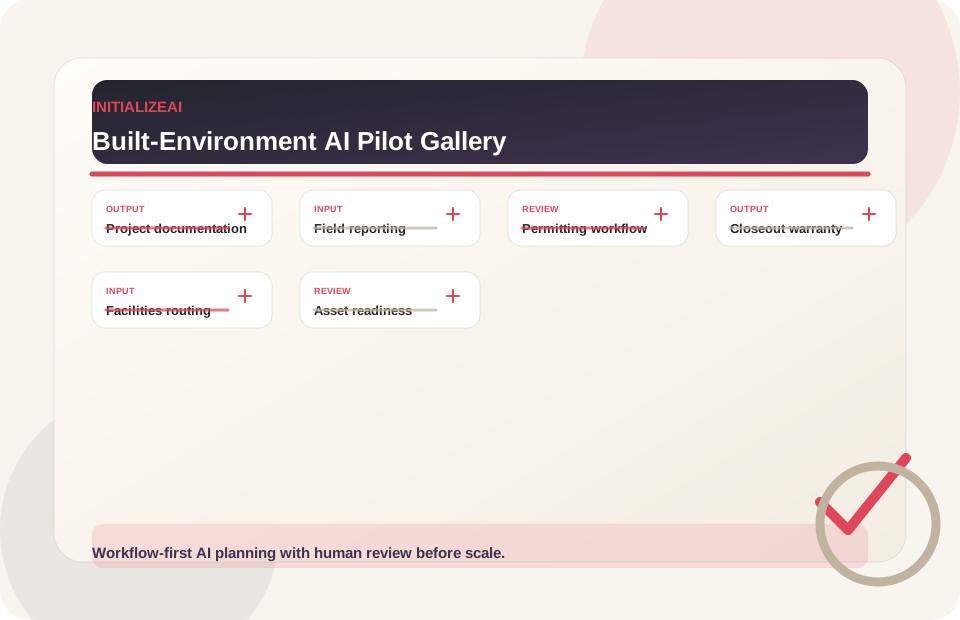
Scope: One document type or workflow such as RFIs, submittals, meeting notes, or change-order packets.
Measures: review time, routing quality, source accuracy, completeness, adoption.Scope: One field report, daily log, inspection, or punch-list workflow.
Measures: report quality, completeness, review time, missing information rate, field adoption.Scope: One permit/application or approval workflow with requirement tracking and reviewer signoff.
Measures: document completeness, comment tracking clarity, review effort, resubmission readiness.Scope: One project closeout or handover workflow with document inventory and gap detection.
Measures: closeout package completeness, review time, missing-item rate, owner review feedback.Scope: One property, location, service type, or request category.
Measures: routing time, communication quality, escalation accuracy, closure consistency.Scope: One asset class, facility system, property, or infrastructure portfolio area.
Measures: data completeness, data quality, decision usefulness, review quality.AI ROI and EBITDA impact
AI in real estate, construction, and infrastructure should be tied to measurable operating levers: documentation time, review cycles, field reporting, closeout readiness, rework signals, permitting coordination, facilities request routing, asset data quality, and project visibility.
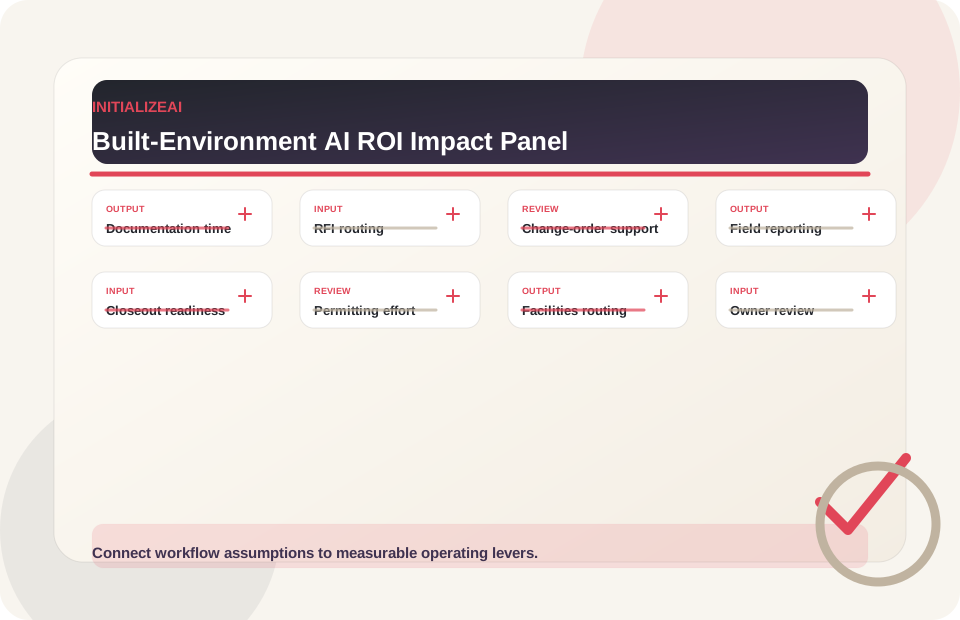
Estimate manual document assembly, summarization, and routing effort.
Review queue handling, owner visibility, and routing quality assumptions.
Document comparison, context assembly, and reviewer preparation work.
Daily report, photo, inspection, punch-list, and exception documentation effort.
Document inventory, missing-item signals, and review preparation.
Requirement tracking, comment summaries, and review packet coordination.
Request classification, escalation, communication drafts, and vendor coordination.
Adoption, data quality, review confidence, and readiness for broader rollout.
Extra review use cases
Some built-environment AI opportunities can affect safety, legal obligations, code compliance, permits, payments, contracts, tenants, public works, infrastructure, or professional determinations. These should be evaluated carefully and should involve appropriate owners, project managers, legal, compliance, safety, engineering, architecture, permitting, privacy, security, and business stakeholders.
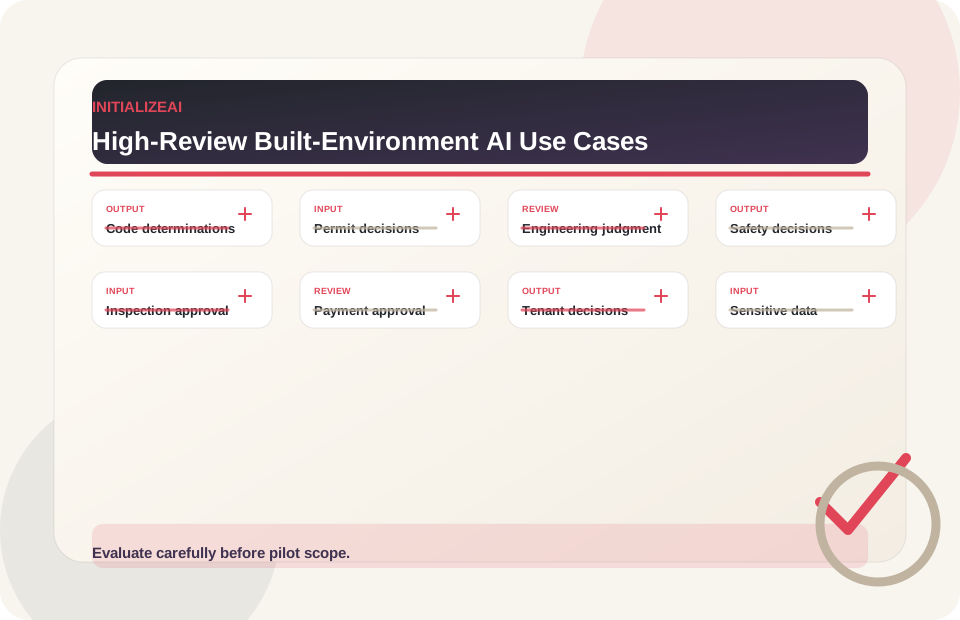
Why review matters: Code, zoning, accessibility, and life-safety questions need qualified reviewer and authority involvement.
Recommended first step: Governance review, legal/compliance review, and professional/technical review.
Discuss Governance RequirementsWhy review matters: Approval authority should remain with qualified reviewers and public authorities.
Recommended first step: Human approval model, permitting review, and data boundary review.
View Trust CenterWhy review matters: Technical and licensed-professional determinations require expert review and accountability.
Recommended first step: Professional/technical review and pilot-risk assessment.
Explore AI GovernanceWhy review matters: Work affecting jobsite safety, inspections, equipment, or field practices needs safety-aware review and escalation.
Recommended first step: Safety review, human approval model, and legal/compliance review.
Discuss Trust RequirementsWhy review matters: These actions can affect obligations, money, records, rights, and disputes.
Recommended first step: Human approval model, legal/compliance review, and workflow risk assessment.
Discuss Governance RequirementsWhy review matters: Decisions affecting service, access, money, housing, rights, public infrastructure, or community impact require stronger review.
Recommended first step: Legal/compliance review, privacy/security review, and human approval model.
Explore Government AIWhy review matters: Employee trust, privacy, fairness, and policy implications should be reviewed before any related workflow is considered.
Recommended first step: Data boundary review, privacy review, and governance review.
View Trust CenterWhy review matters: Sensitive data requires clear boundaries, access control, retention expectations, and security/privacy review.
Recommended first step: Security/privacy review and data boundary review.
Explore AI GovernanceEngagement paths
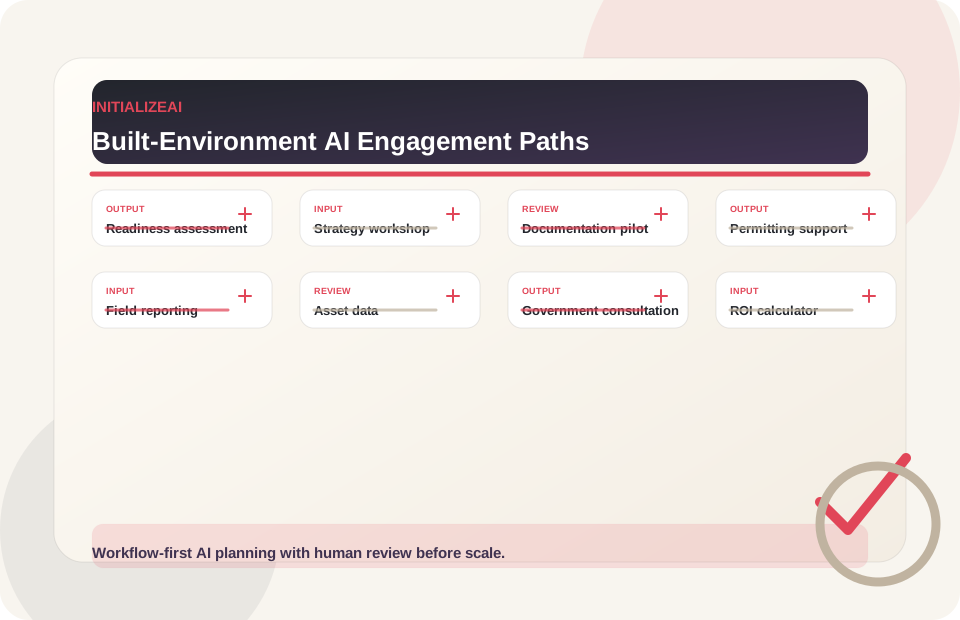
Recommended path: AI Readiness Assessment
Outputs: Readiness map, data/system gaps, use-case priorities, roadmap.
Explore AI ReadinessRecommended path: AI Strategy Workshop
Outputs: Use-case inventory, prioritization matrix, pilot candidates.
Explore Strategy WorkshopRecommended path: Document Intelligence Pilot Scoping
Outputs: Document inventory, workflow map, source-reference model, review metrics.
Discuss Project Documentation PilotRecommended path: Workflow Automation Workshop
Outputs: Approval workflow map, document checklist, comment tracking, review path.
Discuss Permitting Workflow SupportRecommended path: Field Reporting Pilot
Outputs: Field workflow map, proof fields, review model, documentation metrics.
Explore Workflow AutomationRecommended path: Data Readiness + Custom AI Scoping
Outputs: Asset data review, dashboard concept, knowledge assistant scope, pilot path.
Explore Custom AIRecommended path: Government AI Consultation
Outputs: Procurement-aware scope, public-sector workflow review, capability alignment, governance questions.
View Government ContractingRecommended path: AI ROI Calculator + Gap Review
Outputs: Impact estimate, assumption model, next-step recommendation.
Try the ROI CalculatorSolution mapping
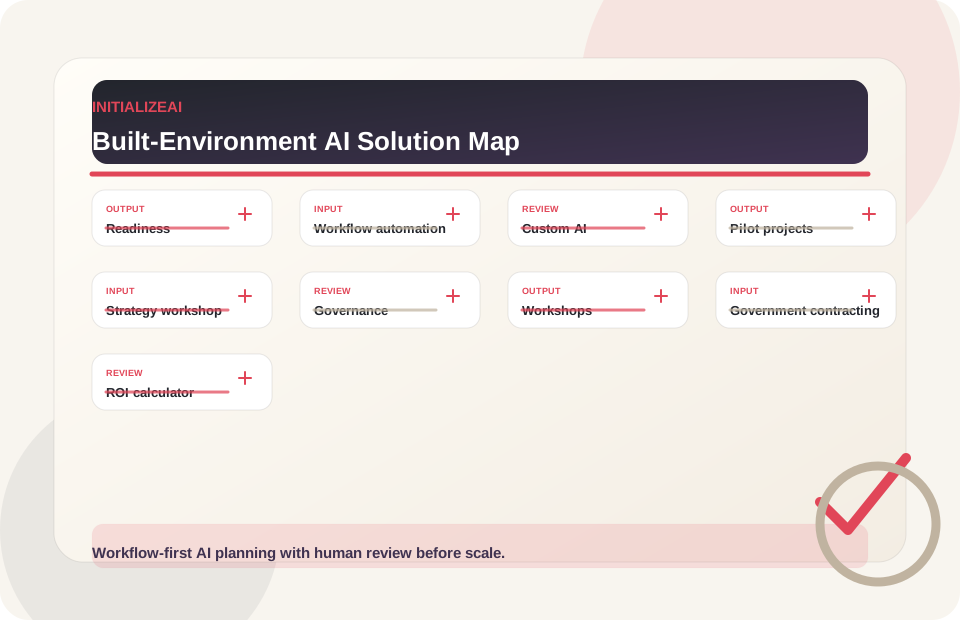
Evaluate readiness across strategy, data, systems, governance, workflows, staff capability, and adoption.
WorkflowWorkflow AutomationMap and improve project documentation, permitting, field reporting, tenant/request, closeout, asset, and back-office workflows.
BuildCustom AI ImplementationScope and build knowledge assistants, document workflows, project dashboards, review queues, asset data tools, and AI-enabled built-environment workflows.
PilotAI Pilot ProjectsDesign measurable, bounded, reviewable pilots with owners, metrics, controls, and scale criteria.
StrategyAI Strategy WorkshopPrioritize real estate, construction, and infrastructure use cases by value, feasibility, data readiness, risk, and workflow fit.
GovernanceAI GovernanceCreate practical guardrails for responsible AI use, human oversight, data boundaries, safety-aware review, and project/legal risk controls.
WorkshopsWorkshops & BriefingsRun built-environment AI readiness, workflow automation, staff training, pilot-scoping, and executive AI workshops.
Public sectorGovernment ContractingSupport public-sector infrastructure, public works, municipal, and procurement-aware AI opportunities.
ROIAI ROI CalculatorEstimate potential AI impact across documentation time, review cycles, labor, adoption, and EBITDA levers.
Actionable artifacts
Practical real estate, construction, and infrastructure AI work should produce materials project teams, owners, operators, field teams, consultants, and technical teams can evaluate, discuss, and use.
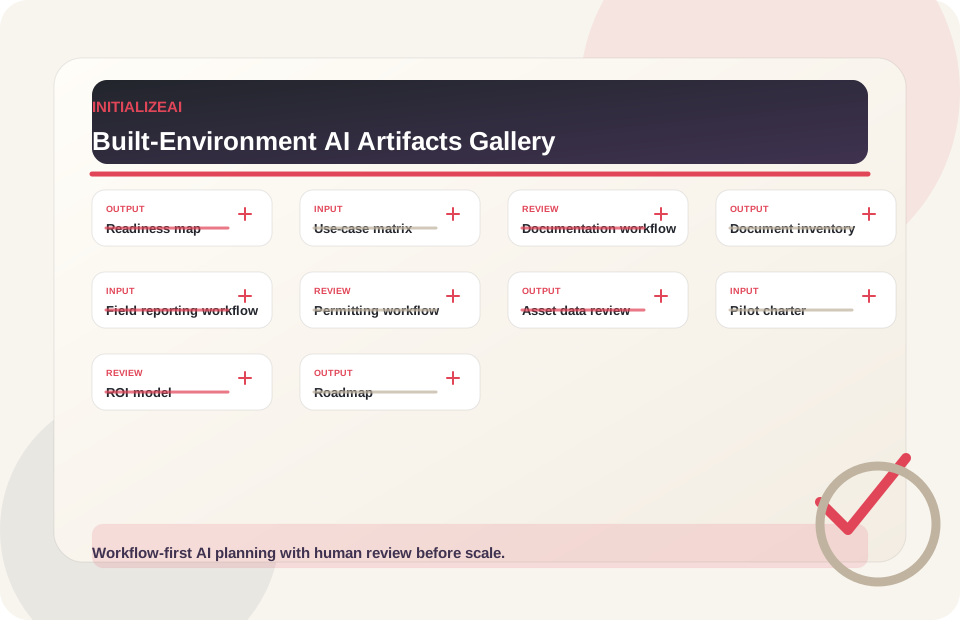
Project and Operations Proof
Relevant InitializeAI experience
Nufacet demonstrates a closely related built-environment pattern: translate project requirements, expert judgment, budget, layout constraints, inventory, approvals, and procurement into one coordinated operating workflow.
Room measurements, client preferences, budgets, layouts, vendor availability, lead times, revisions, presentations, and procurement decisions had to work as one project system.
A viable room concept had to fit the space, remain within budget, reflect design intent, account for availability, and move through designer and client approval before procurement.
InitializeAI created the full-stack platform across product strategy, UX, room brief intake, style and layout intelligence, budget allocation, vendor matching, presentations, revisions, procurement, and architecture.
Room specifications, product and vendor data, budgets, project states, rationale, overrides, approvals, availability, and lead-time dependencies support a designer-led decision process.
Nufacet produced a client-ready room board and procurement-ready plan that connected the brief to selections, alternatives, budget, approvals, and handoff. The same workflow discipline is relevant to developers, renovation teams, hospitality programs, and other project-based organizations.
Nufacet is an adjacent design and project-operations example, not a claim of a construction-site or infrastructure deployment. The public case study reports no private performance metrics.
Why InitializeAI?
InitializeAI brings a practical, workflow-first approach to AI adoption for built-environment teams that need clarity before implementation.
Understand whether the use case, data, systems, workflow, governance, and adoption path are ready before funding AI work.
Focus on the project documents, source references, versions, review paths, and decision records that built-environment workflows depend on.
Design field reporting, owner review, approval paths, escalation, and accountability into the workflow.
Clarify source systems, data quality, integration needs, permissions, and review requirements before building.
Support real processes across projects, properties, assets, facilities, permitting, closeout, and capital planning.
Define what success, risk, adoption, documentation quality, and scale readiness mean before expansion.
Related resources
Explore practical AI use-case patterns across project documentation, permitting, field workflows, asset data, and operations.
ROIAI ROI CalculatorEstimate operating impact before overbuilding a pilot or custom tool.
WorkflowWorkflow AutomationMap and modernize project, field, permitting, closeout, request, and back-office workflows.
BuildCustom AI ImplementationScope knowledge assistants, document workflows, dashboards, review queues, and AI-enabled tools.
ReadinessAI Readiness AssessmentAssess strategy, data, systems, workflows, governance, and adoption capacity.
PilotAI Pilot ProjectsDesign bounded pilots with owners, metrics, controls, and scale criteria.
GovernanceAI GovernanceBuild data boundaries, human review, escalation paths, and safety-aware review expectations.
TrustTrust CenterReview InitializeAI's approach to responsible AI, security, privacy, and governance readiness.
Public sectorGovernment ContractingReview public-sector support for infrastructure, public works, procurement, and capability conversations.
CapabilityCapability StatementReview NAICS, public-sector materials, and teaming context.
WorkshopsWorkshops & BriefingsAlign leaders, project teams, owners, field teams, and operators around practical AI adoption.
TrainingAdvisory & TrainingBuild leadership alignment and team capability around responsible AI adoption.
MethodMethodologySee how InitializeAI moves from readiness to pilots, workflow implementation, and measurement.
EngagementsEngagement ModelsCompare workshops, sprints, pilots, implementation, and advisory support.
Related industryField Services & FacilitiesExplore technician workflows, proof-of-work packets, facilities routing, and supervisor review.
Related industryManufacturing & Industrial OperationsExplore asset, maintenance, quality, and industrial workflow readiness.
Related industryEnergy & UtilitiesExplore asset workflows, field operations, reporting support, and governance-first utility pilots.
Related industryGovernment / Public SectorExplore public-sector readiness, service workflows, public works, and governance planning.
Related industryLogistics & OperationsExplore operational AI readiness, routing support, exception management, and dashboard planning.
Related industryLegal & Professional ServicesExplore document intelligence, reviewability, and client-data boundary planning.
ProofCase StudiesReview available examples and practical implementation patterns.
InsightsBlogRead practical AI strategy, governance, and workflow automation guidance.
Execution GapAI Execution GapUnderstand the operating layer between AI interest and measurable business value.
ChecklistAI Readiness ChecklistReview readiness across strategy, data, governance, workflows, and pilot planning.
PartnersPartnersExplore partner and subcontractor conversations around built-environment AI enablement.
IndustriesView All IndustriesCompare adjacent industry paths for public works, facilities, field service, and operations-heavy teams.
Real estate, construction, and infrastructure AI FAQ
Start with readiness and use-case prioritization. Evaluate documents, field data, asset records, systems, workflows, governance, review roles, adoption, and measurable business impact before investing in AI tools or pilots.
Good first pilots are bounded and measurable, such as project documentation support, RFI or submittal workflow support, field reporting, permitting workflow support, closeout documentation, facilities request routing, or asset data readiness.
AI can support permitting workflows by organizing documents, requirements, comments, revisions, and review packets. Final permitting, legal, code, or professional determinations should remain with qualified reviewers and authorities.
Yes. AI can support summarization, classification, routing, comparison, and review of project documents when outputs are source-grounded and human-reviewed.
AI can support field reporting, inspection documentation, punch-list notes, photo organization, progress summaries, and supervisor review when designed around field workflows and human approval.
Data needs depend on the use case. Potential sources include contracts, RFIs, submittals, drawings, specs, permits, schedules, field reports, photos, punch lists, asset records, facilities requests, leases, warranties, closeout packages, and project systems.
Pilot metrics may include review time, documentation completeness, source accuracy, routing quality, field report quality, closeout readiness, rework signals, owner review confidence, adoption, and scale readiness.
Built-environment AI needs governance: data boundaries, human review, escalation paths, source references, permissions, privacy/security review, safety-aware review, legal/compliance review, and accountability for decisions.
Yes, depending on scope. InitializeAI can help evaluate, scope, and support custom AI workflows such as document intelligence, project knowledge assistants, field reporting tools, owner review dashboards, asset data workflows, and workflow automation.
Built environment consultation
Use this path for AI readiness, project documentation, permitting support, field reporting, asset data, facilities workflows, capital planning, workflow automation, public-sector infrastructure support, pilot scoping, or custom AI implementation planning.
Practical, reviewable, measurable
InitializeAI can help your real estate, construction, or infrastructure team assess readiness, prioritize use cases, map project workflows, estimate ROI impact, scope pilots, automate document-heavy work, and plan practical AI implementation around real project, property, asset, field, and owner-review constraints.